Book Writing Basics
What Self-Publishing on Amazon Actually Involves
October 7, 2026 · 1,827 words
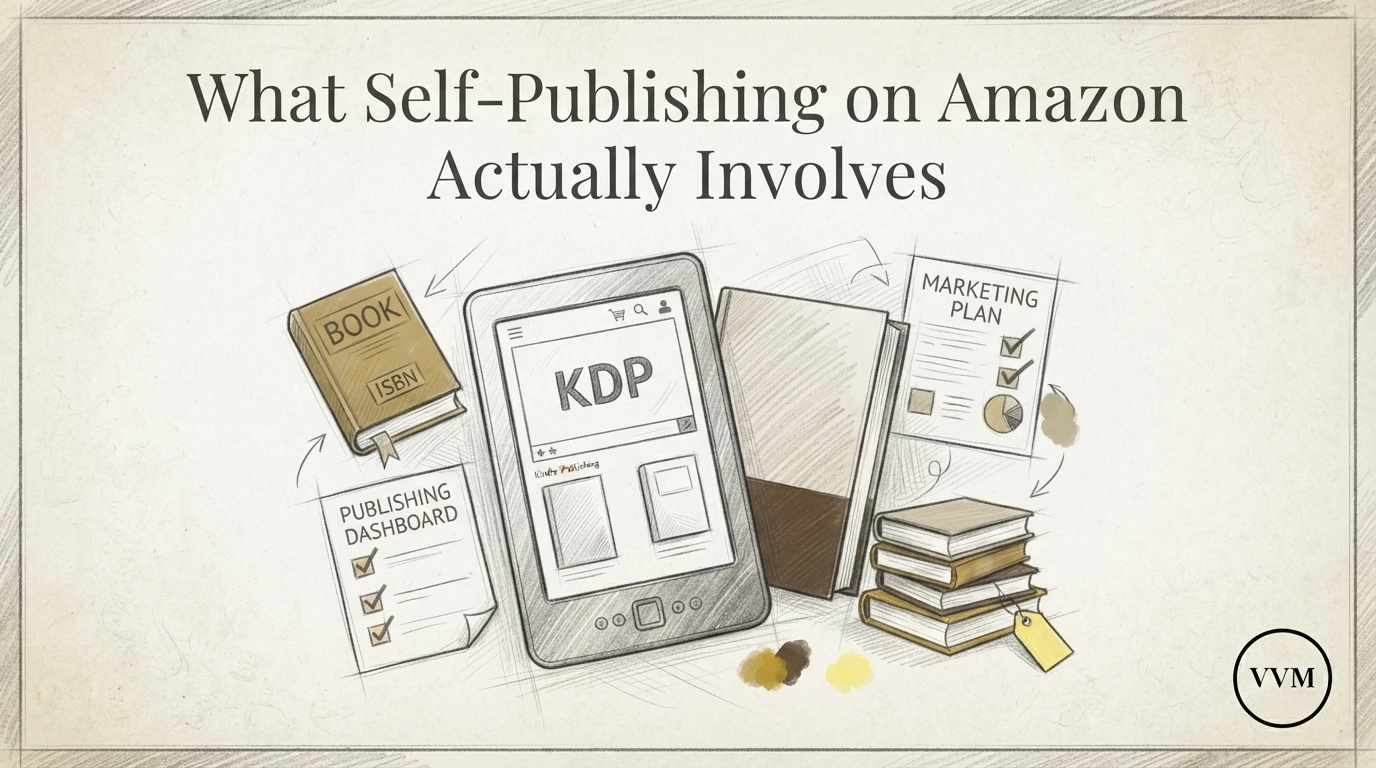
Quick Summary: Self-publishing on Amazon KDP offers global reach and high royalties, but success requires mastering technical details like formatting, cover specifications, and keyword strategy. While the platform is free to use, the process is demanding and requires the same discipline as any business project. Valor & Ventures Media Publishing helps authors navigate these complexities to ensure their expertise is presented professionally without the friction of manual setup.
You have spent years building expertise in your field, your business, or your service to the country. Now it is time to write and publish the book that captures it. Knowing how to self-publish matters, because Amazon KDP hands you global reach, but the gap between a finished draft and a professional book surprises most first-timers. Formatting, cover specs, categories, keywords, and self-publishing royalty rates all shape whether your book converts readers or quietly dies in search.
This self-publishing guide walks through the full set of book publishing steps for publishing digital books on Kindle, with practical Amazon KDP tips along the way. Think of it as a Kindle publishing guide built for busy professionals, drawn from hands-on experience helping authors launch books that look and sell like they came from a traditional press.
Table of Contents
- The Reality of Self-Publishing on KDP
- Navigating the Technical Hurdles
- Categories and Metadata
- The Economics of Publishing
- Pros and Cons
- Is Self-Publishing Right for Your Legacy?
- Frequently Asked Questions
- Conclusion
The Reality of Self-Publishing on KDP
Amazon's Kindle Direct Publishing makes it free to upload a book and sell it worldwide. But free access is not the same as easy execution. Anyone asking how to self-publish quickly learns the platform is simple to join and demanding to do well.
Control Versus Complexity
KDP hands you every decision a traditional publisher would make. That is the appeal and the trap. You control the cover, the price, the categories, and the launch date. You also own every mistake.
Here is what the work actually involves:
- Formatting. Print and ebook files follow different rules, and Amazon rejects many first uploads.
- Cover specs. Trim size, bleed, and spine width must match your page count exactly.
- Keywords and categories. Seven keyword slots and a few category picks shape who finds your book.
- Pricing. Royalties shift between 35 and 70 percent based on your list price and territory.
- Account setup. Tax interviews, banking details, and author profiles all come before your first sale.
A practical self-publishing guide covers each step, and a solid Kindle publishing guide explains how KDP Select benefits, such as promotional tools and page-read royalties, fit your strategy. Amazon's author tools help, but they do not decide for you. Veterans and business leaders used to clear chains of command often find this part tedious. Valor & Ventures Media Publishing handles the friction so your expertise reaches readers, not just the upload queue.
For a deeper look at the full process, see our self-publishing walkthrough.
Navigating the Technical Hurdles
Anyone learning how to self-publish quickly finds the writing is the easy part. Amazon KDP asks for specific file types, exact cover dimensions, and clean metadata. Miss one spec and your book uploads with blank pages, a cropped cover, or a title that search never finds.
Formatting for Digital and Print
Ebooks and print books need different files. For Kindle, you upload an EPUB or a formatted Word document, and Kindle Create can help you check how it renders. Preview it on the app before you publish. Print is stricter. KDP requires a PDF with embedded fonts, correct margins, and page sizes it actually offers, like 6 by 9 inches. Any self-publishing guide worth following tells you to order a proof copy. Seeing the real book catches spacing problems no screen will show you.

Cover Design Standards
Your cover must meet exact size rules: the file dimensions depend on your trim size and page count, which sets the spine width. KDP provides a cover calculator so you get the numbers right. Amazon also rejects covers with low resolution, so start with images at 300 DPI. Skip anything that looks like clip art. A professional cover signals quality before a reader clicks.
Treat these specs as a checklist, not a suggestion. A good Kindle publishing guide walks you through each one step by step. And if you would rather not learn every file format, Valor & Ventures Media Publishing handles formatting and cover prep for you, using standard Amazon author tools behind the scenes.
Categories and Metadata
Keyword Strategy for Leaders
Amazon KDP lets you pick three categories and seven keywords per book. Choose as if you were buying shelf space, not chasing broad traffic. A broad category like "Business" buries you under a million titles. A narrow one like "Business > Leadership > Military Leadership" puts your book in front of a smaller, warmer audience.
Your keywords should mirror how readers actually search. Think "veteran leadership book," "crisis decision-making," or "small business strategy for founders." Avoid keyword stuffing; Amazon's algorithm rewards relevance, not repetition.
Categories matter because they feed Amazon's recommendation engine and determine whether your book earns a bestseller badge in a sub-niche. You can request category changes through KDP support even after publishing, so treat your first picks as a starting point, not a final decision.
Metadata also includes your book description, subtitle, and author bio. A subtitle that names your audience ("A Field Guide for Veteran Entrepreneurs") does more work than a clever one-liner. Front-load your description with the reader's problem, not your credentials.
If this feels like a second job, it is. Valor & Ventures Media Publishing's publishing support handles keyword research and category placement for you.
Watch: [Self-Publishing with KDP: Categories & Keywords Research](https://www.youtube.com/watch?v=C7DJJZWWmzo)
The Economics of Publishing
Self-publishing has no upfront printing bill, but it is not free. Amazon prints each copy after someone orders it, then takes its share before you see a cent.
Royalties and Distribution Decisions
Print royalties follow a simple formula: the royalty rate times your list price, minus printing costs. On Amazon's own store, paperbacks priced at $9.99 or more earn a 60% royalty, while lower prices earn 50%. Expanded Distribution, which pushes your book to other retailers, drops the rate to 40%, so weigh reach against margin, per Amazon's royalty breakdown.
Ebooks work differently. Pricing between $2.99 and $9.99 unlocks a 70% royalty, though Amazon subtracts a delivery fee based on file size. Outside that range, the rate falls to 35%, as Kindlepreneur's calculator guide explains.
Printing costs depend on page count, ink type, and trim size. A 300-page black-and-white paperback costs about $4.60 to print, but premium color roughly doubles it. A business book meant to win clients can justify a thin per-unit margin; the book is the asset, not the royalty check.

This is where a guided process earns its keep. Valor & Ventures Media Publishing models these numbers with you before launch, so pricing supports both profit and positioning. When you're ready, start your book build.
Pros and Cons
Self-publishing on Amazon KDP rewards the prepared and punishes the rushed. Here's the honest trade-off list.
Pros:
- Speed. A polished manuscript can be live in days, not the 12 to 18 months traditional publishing takes.
- Control. You own pricing, cover, categories, and rights.
- Margin. KDP pays royalties up to 70%, far above typical traditional deals.
- Credibility. For consultants and veterans, a book opens doors: speaking slots, clients, board seats.
Cons:
- The workload is real. Formatting, cover specs, keyword research, and pricing all land on you.
- No gatekeeper. A weak cover or sloppy interior costs you sales immediately.
- Visibility. Amazon won't promote a book with poor categories or zero reviews.

Most of these cons are process problems, not talent problems. That's exactly where guided, AI-assisted help pays off.
Start your book build at Valor & Ventures Media Publishing.
Is Self-Publishing Right for Your Legacy?
A book outlasts a LinkedIn post, a podcast, even a company. So the honest question is not whether you can publish on Amazon. It's whether your idea deserves the hours of formatting, cover work, and keyword planning that KDP publishing demands.
For most first-time authors, the answer is yes, with caveats. Self-publishing works when you have real expertise to codify, a clear reader in mind, and patience for a two-to-six-month build. It disappoints when you expect Amazon's algorithm to do your marketing.
Ask yourself three questions. Who specifically needs what you know? Will this book open doors, back a speaking career, or anchor your consulting practice? And are you willing to treat it as a business asset, not a trophy?
If those answers hold, the mechanics of KDP become a solvable checklist rather than a wall. If they don't, pause. A rushed book damages a reputation faster than no book at all. That's the trap we help ambitious professionals avoid at Valor & Ventures Media Publishing, where the strategy comes before the upload.

Amazon KDP can eat weeks if you go it alone, from cover specs to keyword picks. Valor & Ventures Media Publishing handles the friction so your book ships clean. Start your book build today.
Frequently Asked Questions
Q1: What are the actual costs and royalty structures involved in self-publishing on Amazon KDP?
Publishing is free. Amazon takes 30-65%, depending on price.
Q2: Is it better to use KDP Select or distribute my book widely on multiple platforms?
Select offers exclusivity plus Kindle Unlimited reach. Wide suits established audiences.
Q3: How can I effectively choose Amazon categories and keywords for better book visibility?
Study competitor books, pick specific niches, mirror reader search phrases.
Q4: What are the essential steps to format a book for Kindle Direct Publishing?
Clean manuscript, front/back matter, upload EPUB, preview on device.
Q5: What should I include in my book description for higher conversion rates?
Lead with reader benefits, proof of expertise, and one clear promise.
Q6: Can I keep full ownership and rights to my book when self-publishing on Amazon?
Yes. You retain copyright; KDP only holds distribution rights.
Q7: How long does it take for a self-published book to appear on the Amazon store?
Usually 24-72 hours after review.
Q8: How do I order author copies of my book through Amazon KDP?
Order from your KDP dashboard at print cost, plus shipping.
Ready to skip the guesswork? Start your book build at /publishing/start with Valor & Ventures Media Publishing today.
Conclusion
Self-publishing on Amazon KDP is a series of small, precise jobs: clean formatting, a cover that meets spec, the right categories and keywords, sensible pricing, and a verified account. None of it is hard alone. Together, though, the details decide whether your book looks like a serious business asset or a rushed PDF. Veterans and business leaders already know how checklists work, and publishing rewards the same discipline. If you want your expertise on the page without fighting file specs and metadata, professional publishing support removes the friction while you keep full control and royalties. Start your book build.